
Puzzle games draw players into worlds of logic and creativity. Developers must master balancing puzzle difficulty to keep these experiences enjoyable. Balancing puzzle difficulty refers to the process of tuning challenges so they match player abilities, avoiding extremes of frustration or boredom. This adjustment influences player retention, accessibility in games, and overall UX in games. Poor tuning leads to high drop-off rates, while thoughtful design fosters loyalty. The topic matters because it shapes how games reach wide audiences and sustain engagement.
Games like Portal demonstrate effective difficulty management through clever puzzles that evolve without overwhelming players. In contrast, overly complex designs in some indie titles cause quick abandonment. Research highlights that moderated challenges boost enjoyment and flow states. Players seek tasks that build skills gradually. Accessibility in games ensures everyone can participate, regardless of experience or ability. UX in games focuses on intuitive interfaces that support puzzle-solving without barriers. Mastering balancing puzzle difficulty allows developers to combine challenge with fairness, keeping audiences engaged.
Why Proper Tuning Matters
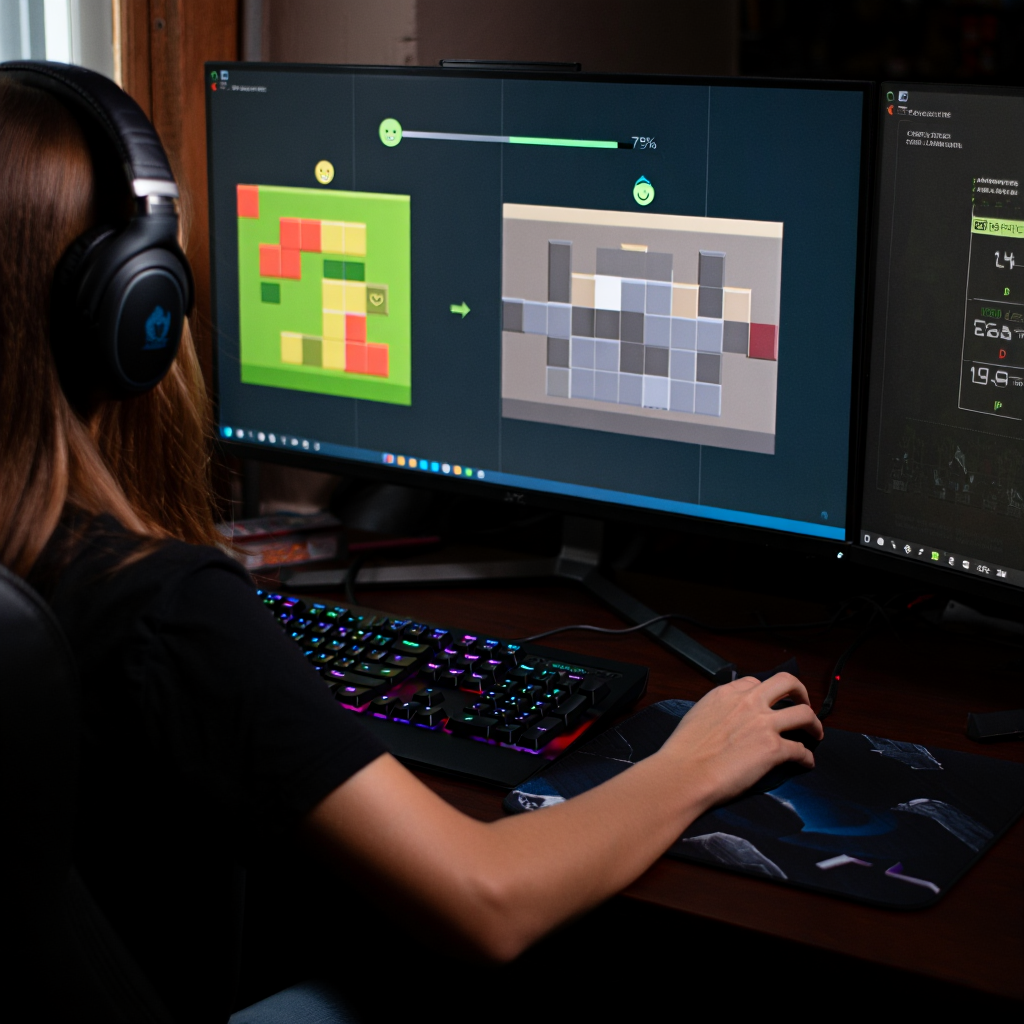
Providing appropriate challenge in puzzle games creates a satisfying experience for players of all skill levels. It prevents disengagement by matching tasks to individual capabilities. Without balancing puzzle difficulty, games risk losing players early. Carefully structured progression encourages repeated play and positive word-of-mouth.
“During development, you generally don’t have 10,000 players… you’re going to have to listen to beginners, intermediates, experts.” – Said by David Sirlin, game designer at Sirlin Games, known for balancing competitive titles like Street Fighter and Yomi.
Impact on Player Engagement
Studies show that moderated difficulty directly affects retention.Research on dynamic difficulty adjustment in freemium games shows that lowering difficulty for at-risk players can increase long-term retention by transforming inactive users into engaged ones. (2015, Tilburg University and Ubisoft).
For instance, Candy Crush Saga uses data-driven adjustments to keep puzzles challenging yet solvable, resulting in millions of daily active users. Experts note that flow states occur when skills align with challenges, enhancing immersion. Mismatched elements disrupt this, lowering enjoyment and self-efficacy.
Player feedback from forums reveals common complaints about overly tough or inconsistent puzzles. Titles like The Witness succeed by layering complexity thoughtfully, maintaining engagement across hours of play. Research on mobile puzzle games links balancing puzzle difficulty to higher ratings on app stores. Developers who ignore difficulty tuning face lower monetization, as retained players spend more on in-app purchases. Case studies from match-3 games emphasize how small tweaks in puzzle setup improve long-term play.
Benefits of Proper Challenge Management
Maintaining appropriate difficulty yields several advantages for developers and players alike.
- Higher Retention Rates. Well-paced puzzles keep players returning, with statistics showing up to 95% profit increases from just 5% better retention.
- Improved Reviews and Ratings. Games like Portal 2 earn praise for accessible yet deep puzzles, boosting visibility.
- Enhanced Accessibility. Features that adjust difficulty make games inclusive, expanding the audience.
- Better Monetization. Engaged players invest time and money, supporting free-to-play models.
- Stronger Community. Thoughtfully designed experiences foster discussions and sharing, building loyalty.
Conversely, games like some early mobile titles with erratic difficulty spikes have seen rapid player churn, underscoring the need for balanced tuning to avoid negative reviews and lost revenue.
These benefits create a cycle of success. Developers gain from data showing optimized games rank higher in stores. Players enjoy growth without undue stress. Balancing puzzle difficulty forms the foundation of successful puzzle design. It ties directly to UX in games and market performance. Ignoring careful tuning risks alienating potential fans. Prioritizing proper challenge leads to enduring titles that players cherish.
Scaling Difficulty
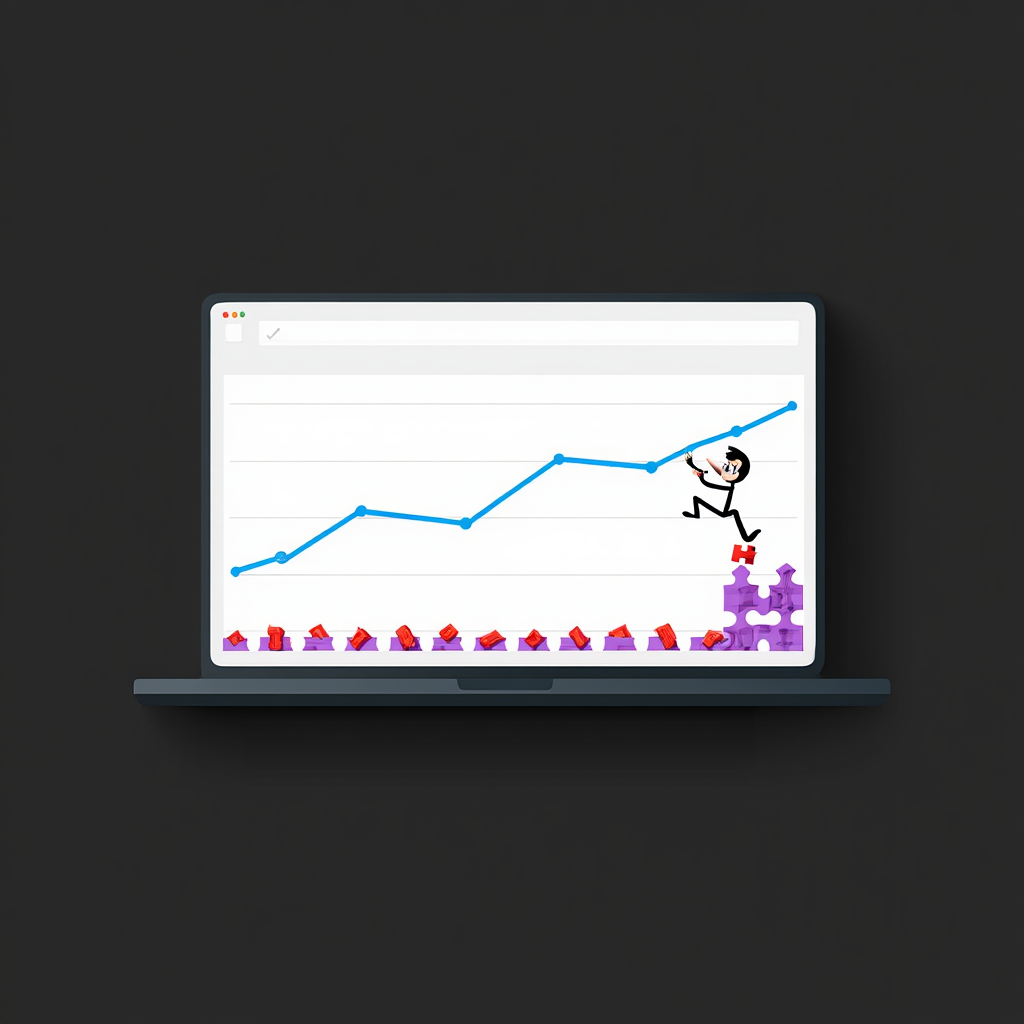
Scaling difficulty in puzzle games builds player confidence over time. It involves creating a puzzle difficulty curve that starts simple and grows complex. This approach prevents early overwhelm and sustains interest. Effective scaling adapts to player progress, ensuring steady challenge.
Understanding Difficulty Curves
A puzzle difficulty curve maps challenge levels across a game. It begins with basic mechanics to teach fundamentals. Then, it introduces variations to test understanding. Research on mobile puzzles shows curves that ramp gradually retain players better than steep ones. For example, in Baba Is You, early levels focus on core rules, while later ones combine them intricately.
Curves often follow patterns like linear or exponential growth. Linear curves add steady complexity, suitable for casual games. Exponential ones accelerate for expert players, as seen in The Talos Principle.
Studies indicate mismatched curves cause 20–30% drop-offs mid-game. Variability within the puzzle difficulty curve, like easier levels after tough ones, prevents fatigue. Case studies from Puzzledorf highlight how mixing intensities improves pacing.
Designers use metrics like completion rates to refine curves. High failure on early puzzles signals poor scaling. Tools for modeling difficulty help predict player experiences. Successful curves align with player learning, fostering a sense of achievement.

Implementing a Difficulty Curve
Follow these steps to build an effective curve.
- Assess Core Mechanics. Identify basic elements, like matching tiles in match-3 games. Introduce them in isolation during the first levels. Ensure tutorials explain without text walls. Test for clarity with prototypes.
- Map Progression. Plot levels on a graph, with x-axis as level number and y-axis as difficulty score. Start low, around 1–2 on a 10-point scale. Increase by 0.5–1 per level initially. Use tools like spreadsheets to visualize.
- Introduce Variations. Add new rules every 5–10 levels. For instance, combine mechanics in hybrid puzzles. Monitor for overload by tracking playtime per level. Adjust if averages exceed 5 minutes early on.
- Incorporate Variability. Insert easier “breather” levels after peaks. This maintains rhythm. Analyze data from beta tests to spot flat spots. Refine by swapping puzzle orders.
- Adapt Dynamically. Implement optional hints or skips for stuck players. Use algorithms to adjust based on performance, as in dynamic difficulty systems. Track metrics like retry counts to fine-tune.
Use this table template to map your curve:
| Level Number | Difficulty Score | Core Mechanics Introduced | Variations Added | Expected Completion Time | Breather Level |
|---|---|---|---|---|---|
| 1-5 | 1-3 | Basic matching | None | 1-2 minutes | No |
| 6-10 | 4-6 | Combining rules | Time limits | 3-5 minutes | Yes (Level 8) |
| 11+ | 7-10 | Hybrid puzzles | Obstacles | 5+ minutes | No |
These steps create engaging progression. They draw from proven designs in games like Monument Valley. Scaling sets the stage for accessibility in games and inclusive play. It ensures puzzles evolve with players. Neglecting the puzzle difficulty curve leads to uneven experiences. Mastering curves elevates puzzle games to memorable heights.

Testing with Real Users
Testing with real users uncovers hidden issues in puzzle design. It reveals how players approach challenges in practice. This process validates balancing puzzle difficulty assumptions. User input guides refinements for better accessibility in games and UX in games.
Importance of User Feedback
Feedback highlights mismatches between intended and actual difficulty. Studies on puzzle games show that user testing improves engagement by 25–40%. In one case, developers of a match-3 title adjusted levels after players reported frustration, boosting retention.
Player diversity in testing exposes accessibility gaps. For example, color-blind users struggle with certain puzzles without feedback loops. Research links thorough testing to higher app ratings and fewer negative reviews. Case studies from indie studios show untested games face launch failures. Incorporating feedback early saves development costs.
Quantitative data, like completion times, pairs with qualitative insights. Surveys reveal why players quit. This dual approach strengthens balancing puzzle difficulty. Ignoring feedback risks alienating segments.
Effective Testing Methods
Use these methods to gather actionable insights.
- Observation Sessions. Watch players interact in real-time. Note where they hesitate or retry. Record sessions for analysis. Aim for 5-10 participants per round.
- Analytics Integration. Track metrics like level drop-offs and hint usage. Tools in Unity or Google Analytics provide data. Set thresholds, such as 50% completion rate targets.
- Surveys and Interviews. Ask about difficulty post-play. Use scales for frustration levels. Include open-ended questions on UX in games. Distribute via beta platforms.
- A/B Testing. Compare puzzle variants. Release versions to groups and measure retention. Adjust based on results, iterating quickly.
- Accessibility Audits. Test with diverse users, including those with disabilities. Check features like remappable controls. Use heuristics for board-game inspired evaluations.
Testing bridges theory and reality, ensuring puzzles resonate widely. Skipping it invites flaws. Embracing user input crafts superior games.
Designing for All Levels
Designing for all levels means creating puzzles accessible to beginners and experts. It incorporates features that adapt to varied needs. This inclusivity expands reach and improves UX in games. Thoughtful design accommodates disabilities and preferences. Incorporating storytelling into puzzle design can further enrich player experience (Integrating Storytelling Into Strategy Puzzles). This inclusivity expands reach and improves UX.
Accessibility Features
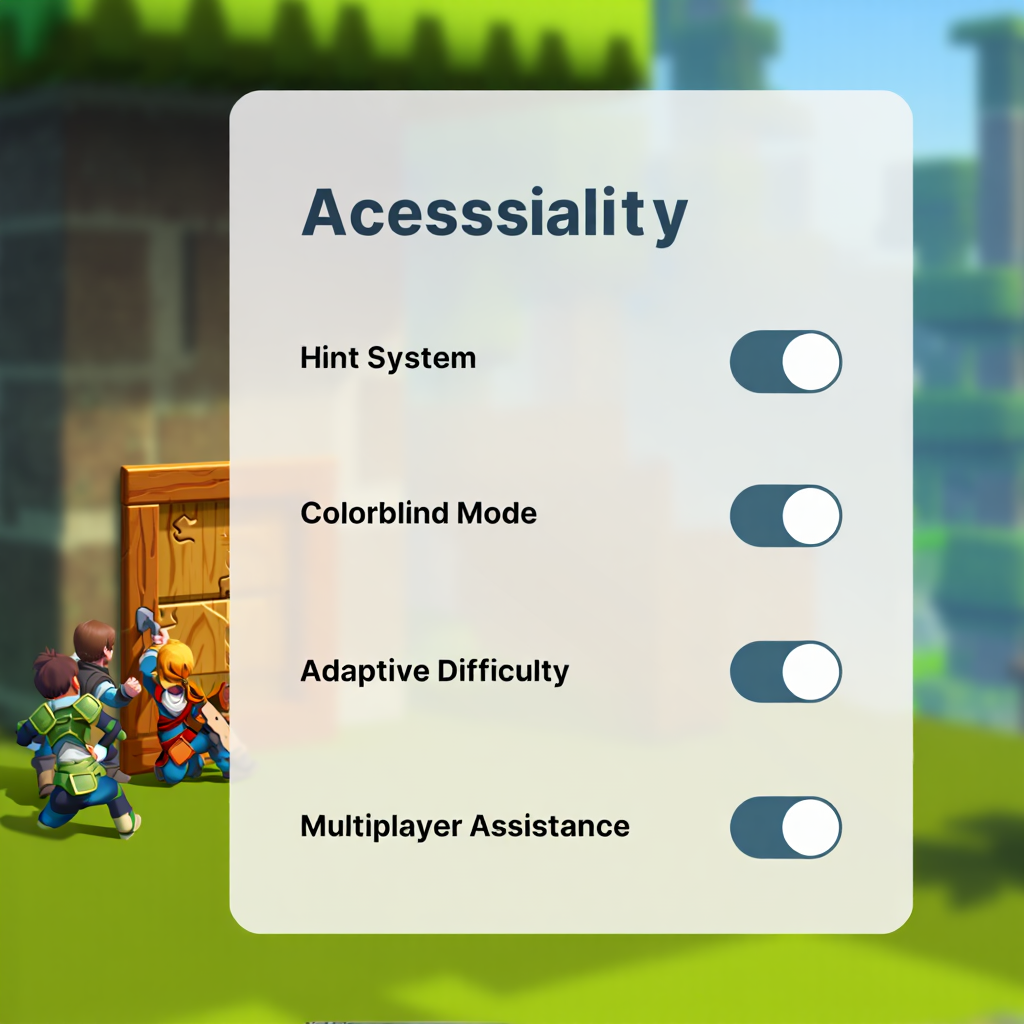
Accessibility in games removes barriers for diverse players. Features like color-blind modes help in puzzle games reliant on hues, as in Hue or ChromaGun. Skip options allow bypassing tough puzzles, seen in Celeste’s assist mode. High-contrast settings aid low-vision users. Reduce time limits prevent stress for those with motor challenges.
Research shows accessible games see 20% higher engagement from underserved groups. Autosave functionality, as in many adventure puzzles, prevents loss of progress. Remappable keys support custom controls. Subtitles for audio cues ensure deaf players follow narratives. Examples from The Last of Us Part II demonstrate comprehensive options.
Tagging features in stores informs players upfront. Simple toggles make implementation feasible. These elements enhance overall play without diluting challenge. Accessibility in games also supports smoother adoption of any puzzle difficulty curve by making adjustments seamless.
Inclusive Design Strategies
Adopt these strategies for broad appeal.
- Layered Tutorials. Offer optional guidance that scales with player choice. Start with basics, add depth on demand. Test for clarity.
- Adaptive Difficulty. Use AI to adjust puzzle complexity based on performance. Implement in code with player data. Monitor for fairness.
- Diverse Testing Groups. Include varied demographics in playtests. Gather feedback on features. Iterate based on input.
- Modular Puzzles. Design elements that can simplify, like fewer pieces in jigsaws. Provide modes for different intensities.
- Feedback Loops. Give clear hints without spoiling. Use visual cues over text for accessibility. Tune difficulty to avoid over-reliance.
These strategies draw from successful titles like Undertale. Inclusive design enriches the puzzle genre. It welcomes all players. Overlooking it limits potential. Prioritizing it leads to innovative, welcoming games.
| Feature | Benefit | Example Game |
| Color-Blind Mode | Aids color perception | Hue |
| Skip Puzzles | Reduces frustration | Celeste |
| High Contrast | Improves visibility | Various mobile puzzles |
| Remappable Keys | Customizes controls | Portal 2 |
| Autosave | Prevents progress loss | The Witness |
Quick Checklist: Audit Your Puzzle Balance
Transform the insights from this article into immediate, measurable results with our Puzzle Difficulty Balance Audit Checklist. This practical tool—designed for game devs, indie creators, and QA teams—guides you through a full audit in under 30 minutes, spotting issues like difficulty spikes or accessibility gaps before they tank retention.
Key Benefits & Real-World Impact:
- Boost Retention by 20-40%: Systematically fix drop-offs (e.g., early quits from poor onboarding), mirroring data-driven successes in hits like Candy Crush Saga.
- Save Dev Time: Focus on high-impact tweaks—modular changes reduce redesign cycles by 50%, based on user testing best practices.
- Actionable & Measurable: Track metrics (completion rates, playtime) pre/post-audit for A/B proof; ensures inclusive design for all skill levels.
- Proven Framework: Built on industry standards (GDC talks, adaptive DDA research)—print it, copy to Google Sheets/Excel, or use in Trello for team collab.

Run this audit today: your next playtest will show the difference!
FAQ
How does balancing puzzle difficulty affect retention?
Properly tuned challenges keep players engaged longer. Studies link it to 40% higher retention. It matches tasks to skills, reducing quits.
Why include accessibility in games?
Accessibility in games opens experiences to more players. Features like skips help those with disabilities. It boosts inclusivity and market reach.
What makes a good puzzle difficulty curve?
A good puzzle difficulty curve starts simple and builds gradually. It includes variability for pacing. Examples from Baba Is You show effective ramps.
How to test UX in games effectively?
Use observation, surveys, and analytics. Involve diverse users. Iterate based on data for refined experiences.
What better suits beginners: static or dynamic difficulty?
Dynamic difficulty adapts better for beginners. It adjusts in real-time. Static works for fixed challenges but risks overwhelm.
In the video, you can find useful tips on game balancing. The author argues that mathematical and data-driven methods are less effective than they seem and explains why. The video includes examples and advice on using intuition and player feedback to create balanced games:
Balancing puzzle difficulty and accessibility define puzzle game success. It involves careful scaling, testing, and inclusive features. Proper tuning enhances retention and enjoyment. Developers who prioritize balancing puzzle difficulty create lasting impacts. Apply these principles in your next project. Experiment with your puzzle difficulty curve, gather feedback, and refine UX in games. Puzzle games thrive when accessibility in games and challenge go hand in hand.
Sources
- Research on dynamic difficulty adjustment in freemium games (2015, Tilburg University and Ubisoft). Personalized game design for improved user retention and monetization in freemium games
- Studies on adaptive difficulty (2023, MDPI). The Use of Deep Learning to Improve Player Engagement in a Video Game through a Dynamic Difficulty Adjustment Based on Skills Classification
- Investigation into difficulty curves (2023, NIH). Player involvement as a result of difficulty: An introductory study to test the suitability of the motivational intensity approach to video game research
- Research on skill-based matchmaking and difficulty balancing (2017, UCLA). A research-supported look into why Skill Based Matchmaking has been a net-positive for multiplayer gaming
- Studies on adaptive systems in games (2024, IntechOpen). Dynamic Difficulty Adjustment in Games: Concepts, Techniques, and Applications
- Sirlin, David (2019, YouTube).Sirlin on Design Don’t Use Math in Balancing Games (usually…)